Product Design
freewrite
A macOS writing app that refuses to get in your way, with a companion that reads your last line and answers on the page itself. Everything runs on the Mac.
Built on freewrite. The original app and its design are by Farza Majeed.
01 · The base
One screen, one cursor, no formatting
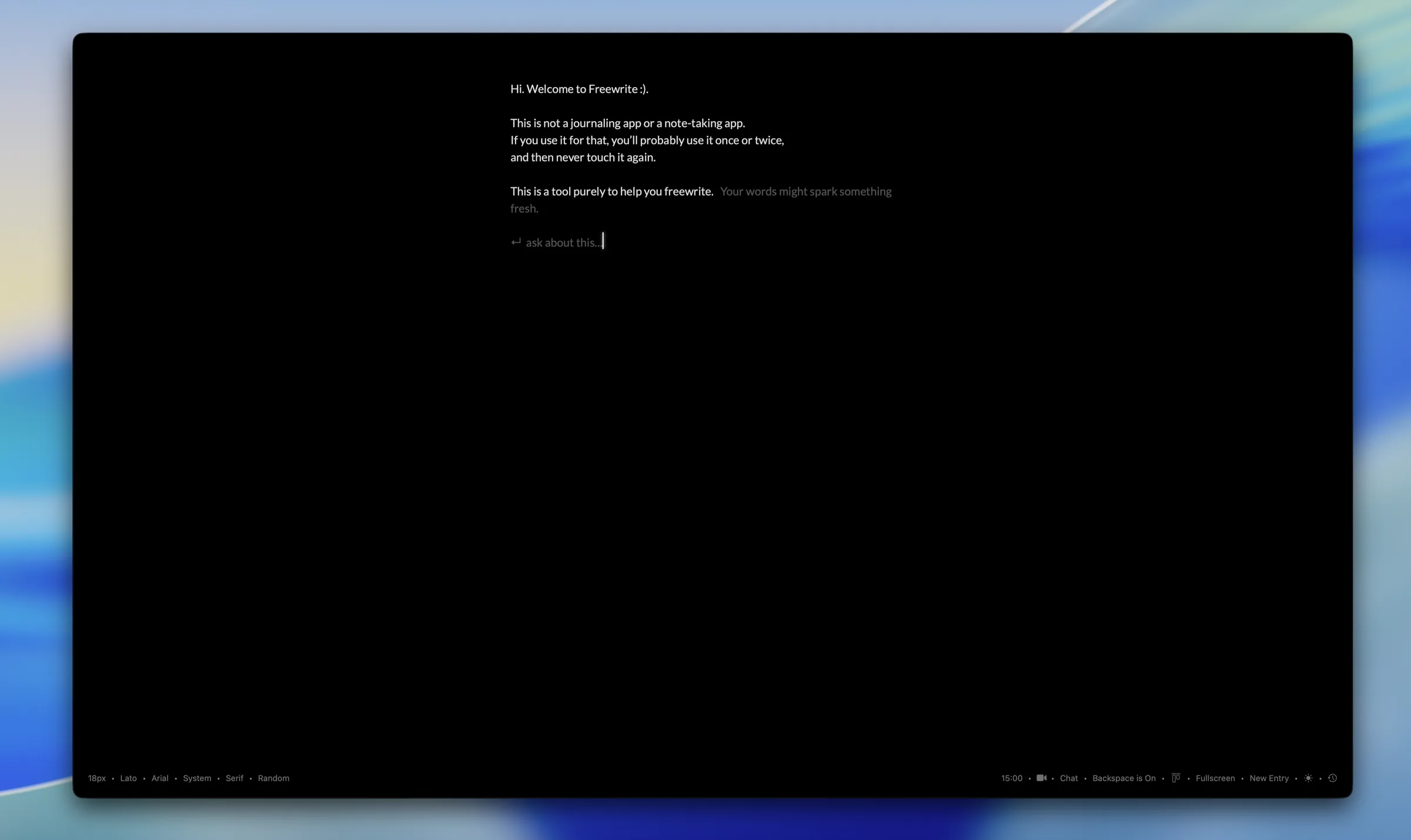
freewrite is a single screen and a cursor. No new-document button, no toolbar, no formatting to fiddle with. You open it and you write, with a timer running and the backspace key optionally switched off so the sentence has to keep moving.
That app is Farza Majeed’s, and it has been that way from the start. What follows is what I added on top: a companion that reads what you wrote and answers without leaving the page, and a set of shortcuts that puts the whole app under the keyboard.
02 · The companion
Press one key and it starts reading
The companion arms on a shortcut. From then on it watches the text, and when you pause it reads everything up to the caret and works out what to say. Nothing opens. There is no window to switch to and no chat to keep.
03 · Ghost text
The answer arrives past your cursor, not in a box
The suggestion streams in as dimmed text just past where you stopped typing, in the same font at the same size. You can keep writing while it arrives, and it lands beside your words instead of over them.
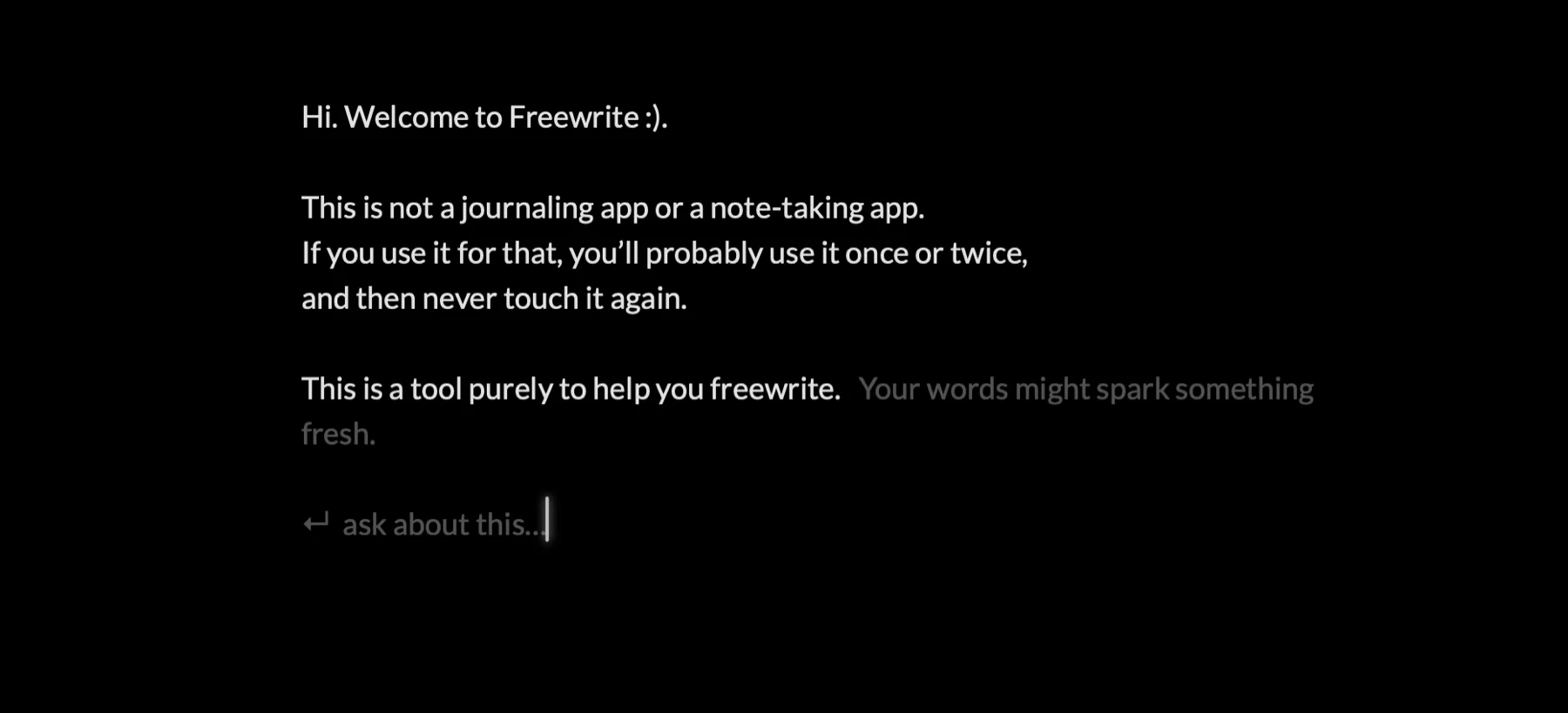
You can also ask it something directly. The caret drops to a small line reading "ask about this", you type the question and press return, and the answer comes back the same way. The backspace key dismisses a suggestion and stands the companion down until you call it again.
04 · The turn
Idle, thinking, writing back
While it thinks, the caret picks up a soft glow and a small ring turns beside it. That is the whole loading state. No modal, no progress bar, no spinner in a corner.
05 · What the fork adds
Three things on top of Farza’s app
Shortcuts
Every action has one. Arm the companion, start the timer, toggle backspace, switch theme, open history, record a video entry. The app is usable without the mouse.
Alignment
A top or centre toggle for where writing starts on a tall screen, remembered across launches. It is the difference between a page that feels set and one that floats.
Private by default
The companion runs on Apple’s on-device model. There are no API keys, no account, and it works with the Wi-Fi off. Your writing does not leave the Mac.
06 · What it needs
The honest requirement
The companion needs macOS 26 with Apple Intelligence turned on. On older systems the app still works and the companion simply is not offered, because a feature that quietly does not work is worse than one that is honest about not being there.