Paid resource
The Transition Library
A complete transition library for your own projects — plus a video tutorial on how to build with it.
Watch the tutorial· Unlocks after purchase
The Portal
Courses taught by people who actually ship the work, and a community that keeps you ahead as AI changes design.
The Portal
A complete transition library for your own projects — plus a video tutorial on how to build with it.
A complete transition library for your own projects — plus a video tutorial on how to build with it.
Learn more about motion design, generative AI workflows, and being a creative. Right on the channel.
Portal to Graphic Design
YouTube · youtube.com/@asquareportal
Portal to Motion Design
YouTube · youtube.com/@asquareportal

Portal to Collage Animations
YouTube · youtube.com/@asquareportal
The 12 Principles of Animation
YouTube · youtube.com/@asquareportal
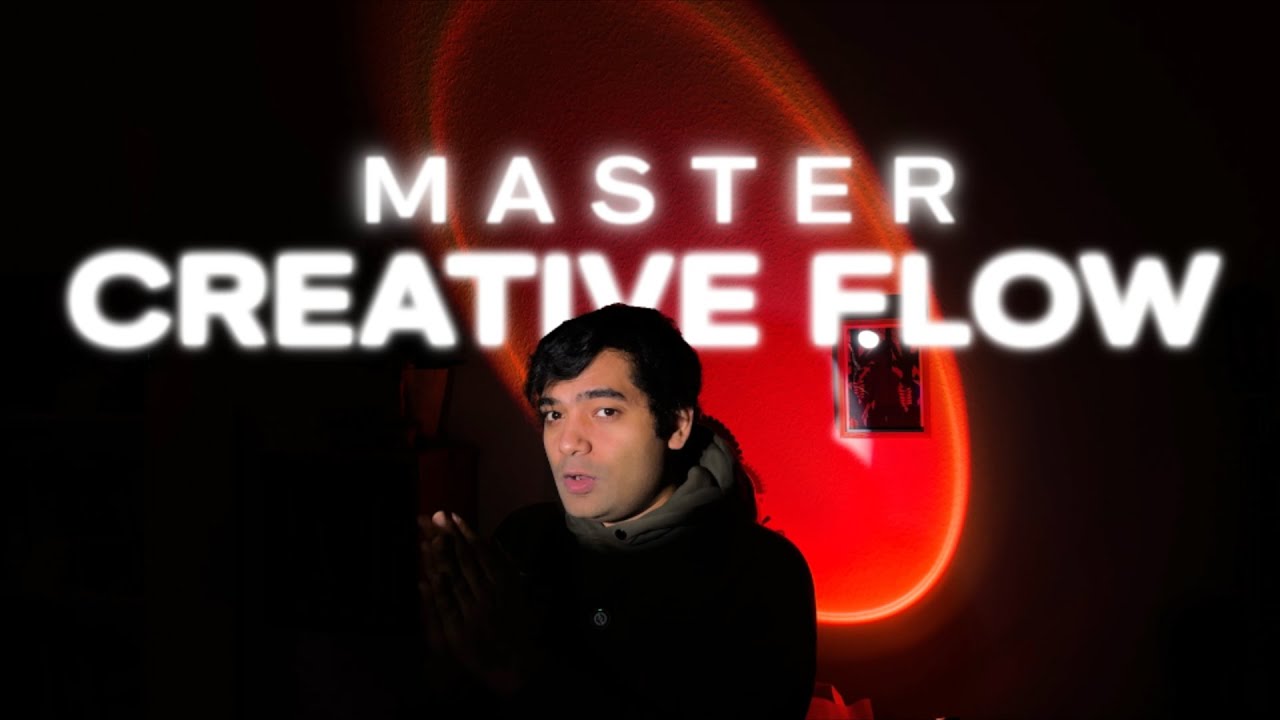
Portal to Creative Mindset
YouTube · youtube.com/@asquareportal
Free project files from the videos. Open them, take them apart, learn how they’re built.
 .riv · 351 KB
Project files for part 1 and part 2 of the Rive beginners guide.
Download .zip · 621 KB
Clean storyboard templates for planning any animation, shot by shot.
Download .zip · 205 MB
The full collage project from the tutorial. Assets and working files.
Download .zip · 250 KB
The animated loader project, ready to open and take apart.
Download .zip · 1.4 GB
The masking workflow files from the Portal to Collage series.
Download .zip · 73 MB
The map-style animation project files from the breakdown video.
Download .pdf · 2 MB
A free e-book to get you started with graphic design.
DownloadEach episode’s files can be linked straight from its video description.
The Portal Community is something we’re building together. A place to share what we learn, celebrate what others make, and grow as a room. It starts with an open Discord, free for anyone who wants in.
When you join a course, you’re also in. Private access to a dedicated server within that same community, with live critique sessions, resource drops, and direct time with your instructor.
Instant access. No purchase needed.