Product Design
FlashLearn
Drop a document and get two things back: flashcards you swipe through, and an audio lesson that teaches the same material while you walk. It runs on any AI you point it at.
01 · Drop a document
A document in, a deck out
You drop in a PDF, a Word file, a text or markdown file, and the app reads it and writes true and false statements from what it actually says. The deck comes back one card at a time, with the source sitting in the sidebar.
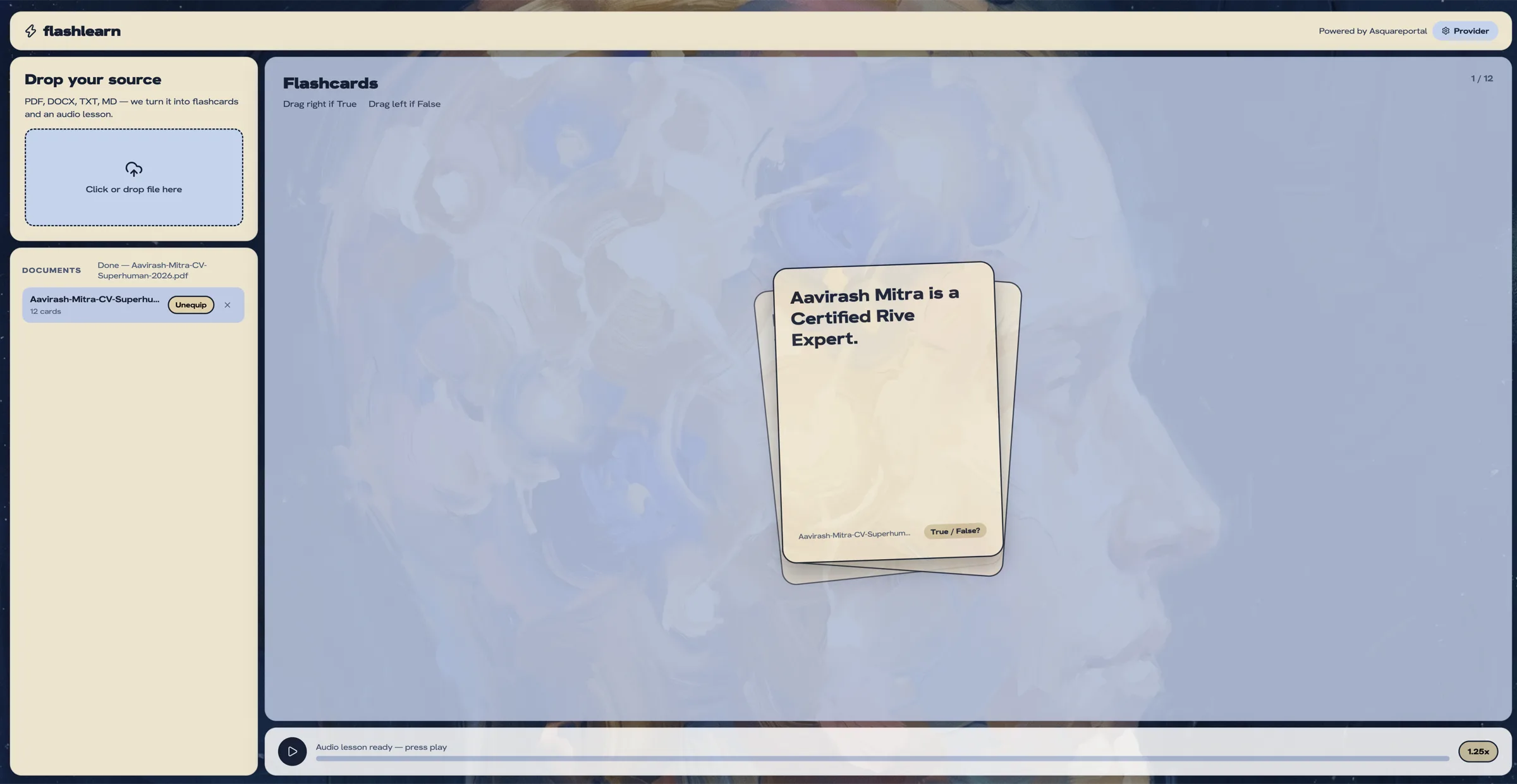
02 · Swipe to answer
Right if it is true, left if it is not
A card is a single claim. You swipe right if it is true and left if it is not, and the app tells you straight away whether you were right, with the reason the claim came from.
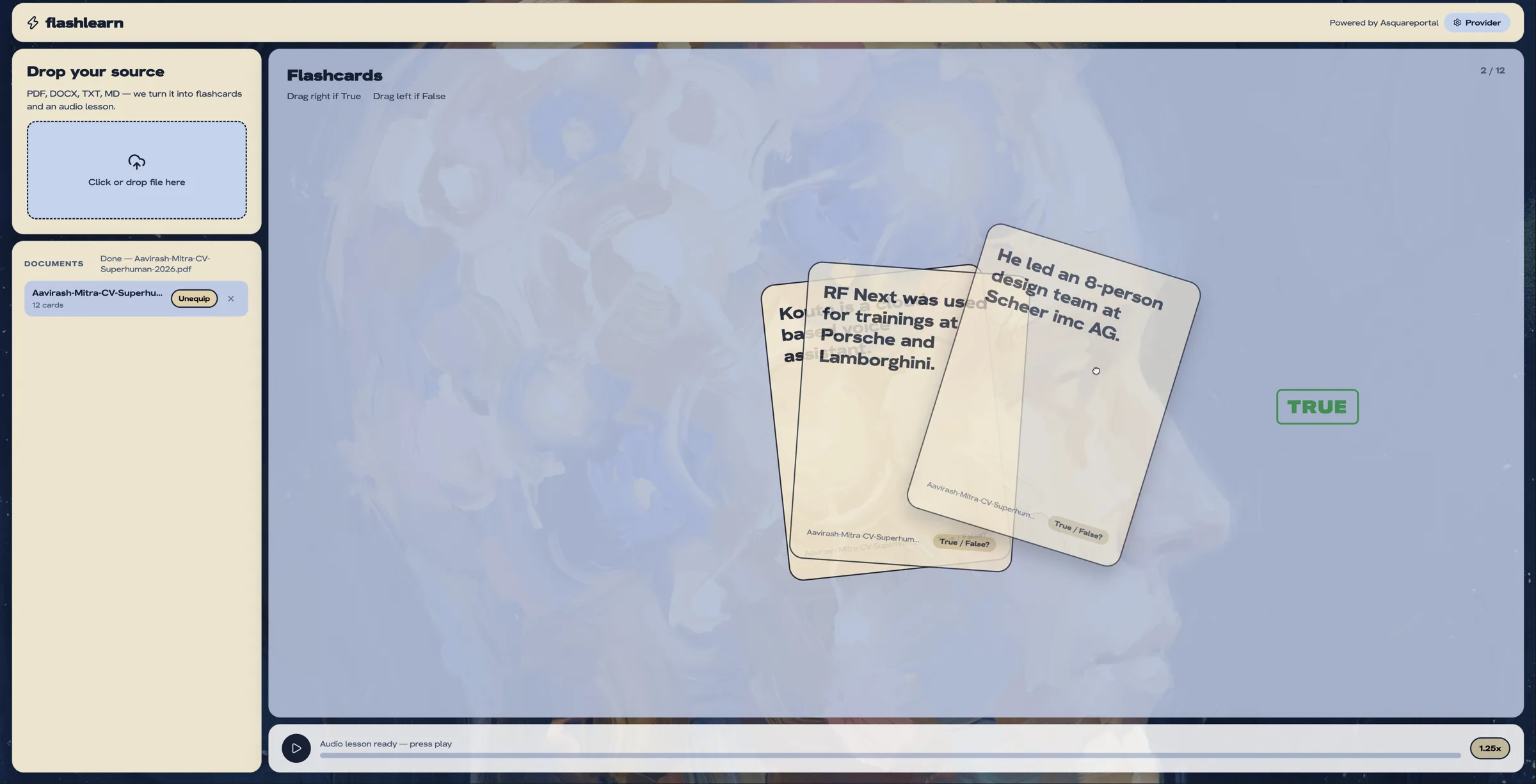
The swipe
A claim on a card, and one direction for each answer.
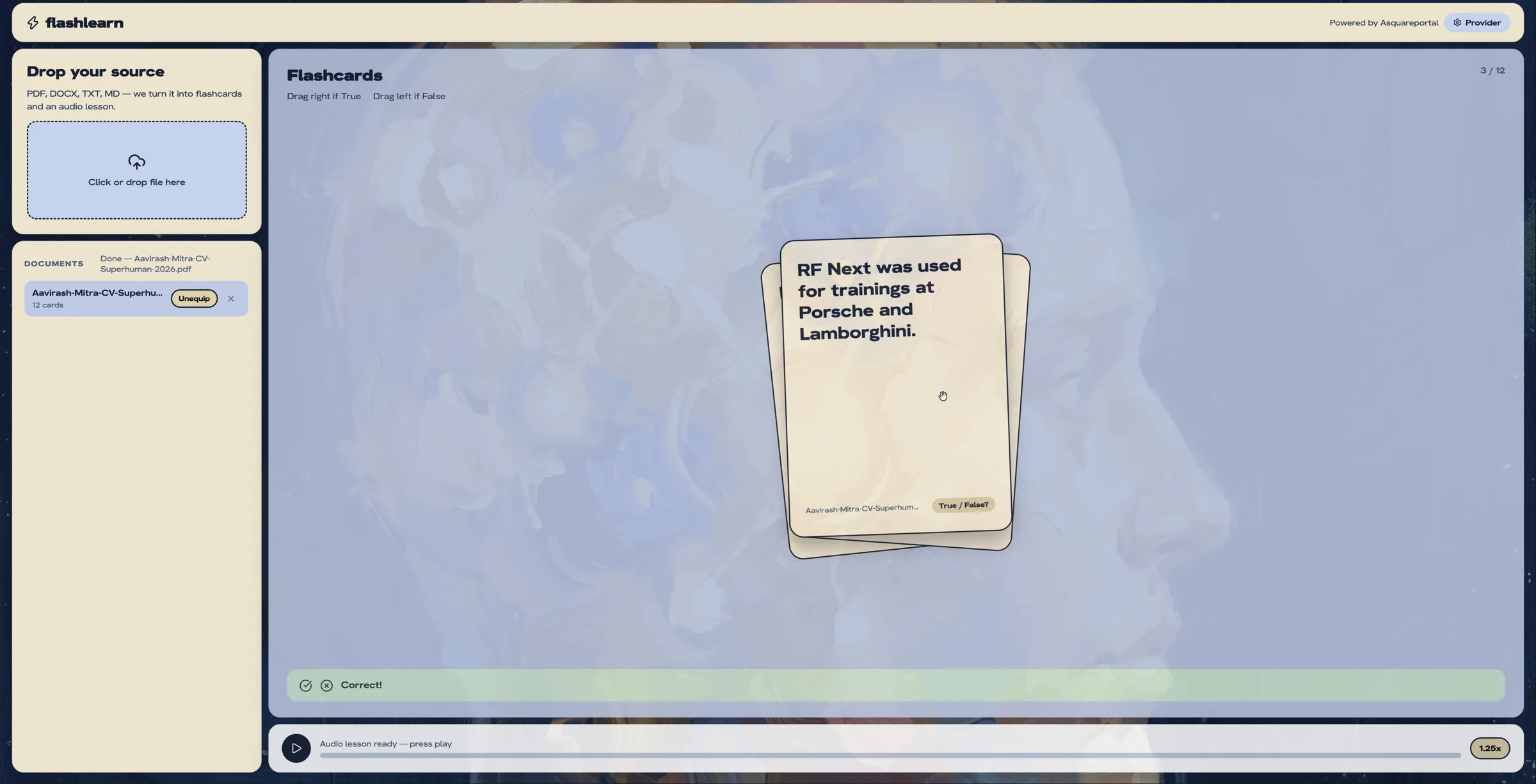
The answer
Instant feedback, then the explanation, so a wrong guess still teaches you something.
03 · The audio lesson
The same material, out loud
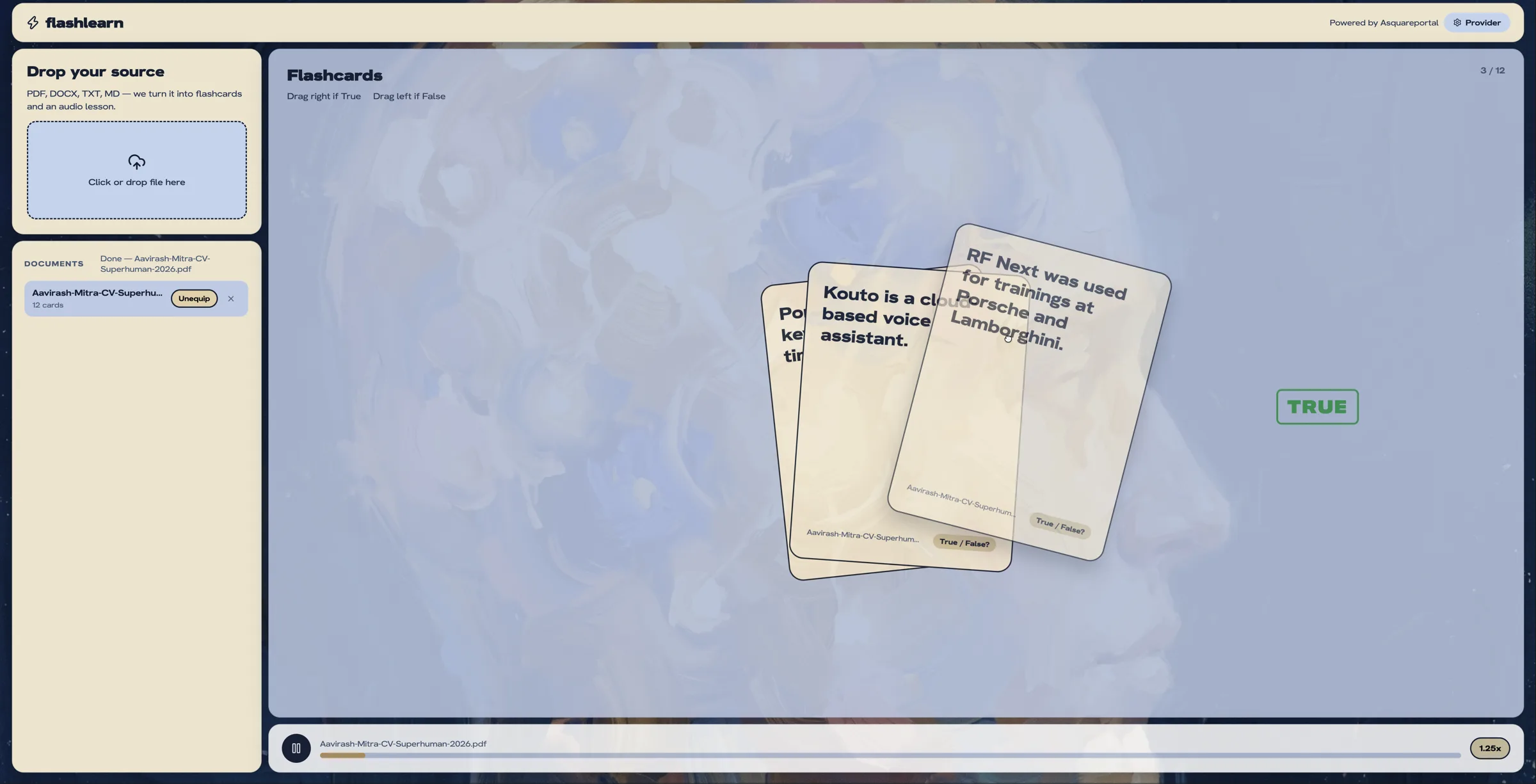
The document also becomes a spoken lesson, read by the voice already on your machine rather than a paid service. You press play and listen, which is the part that makes it stick on a walk or a commute.
04 · Connect any AI
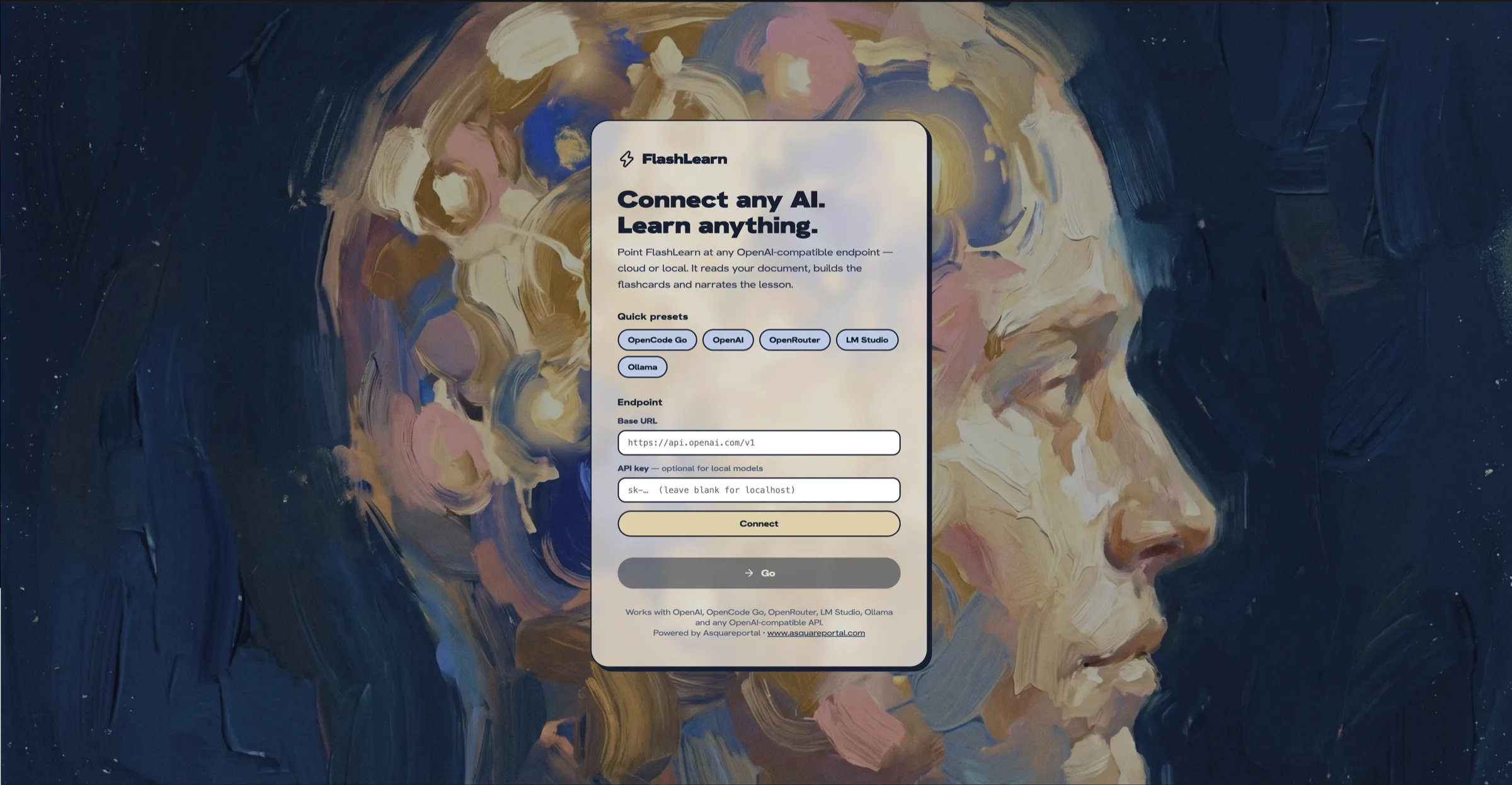
Point it at any model, cloud or local
FlashLearn talks to any OpenAI-compatible endpoint. Pick OpenAI, OpenRouter, LM Studio or Ollama, or paste a base URL, and it fetches the models and lets you choose one. A local model needs no key at all, so the whole thing can run on your own machine.
Your files stay where they are. Only the text is sent, and only to the endpoint you chose.
05 · What it handles
The reach, in plain terms
The formats
PDF, DOCX, TXT, MD, RTF, CSV and JSON.
Local models
Ollama and LM Studio work with no key and no account.
On-device audio
The narration is the machine’s own speech, so there is no text-to-speech bill.
It remembers
Documents and provider settings are kept locally, so setup happens once.