Case Study · Interactive Design
EV Automotive App
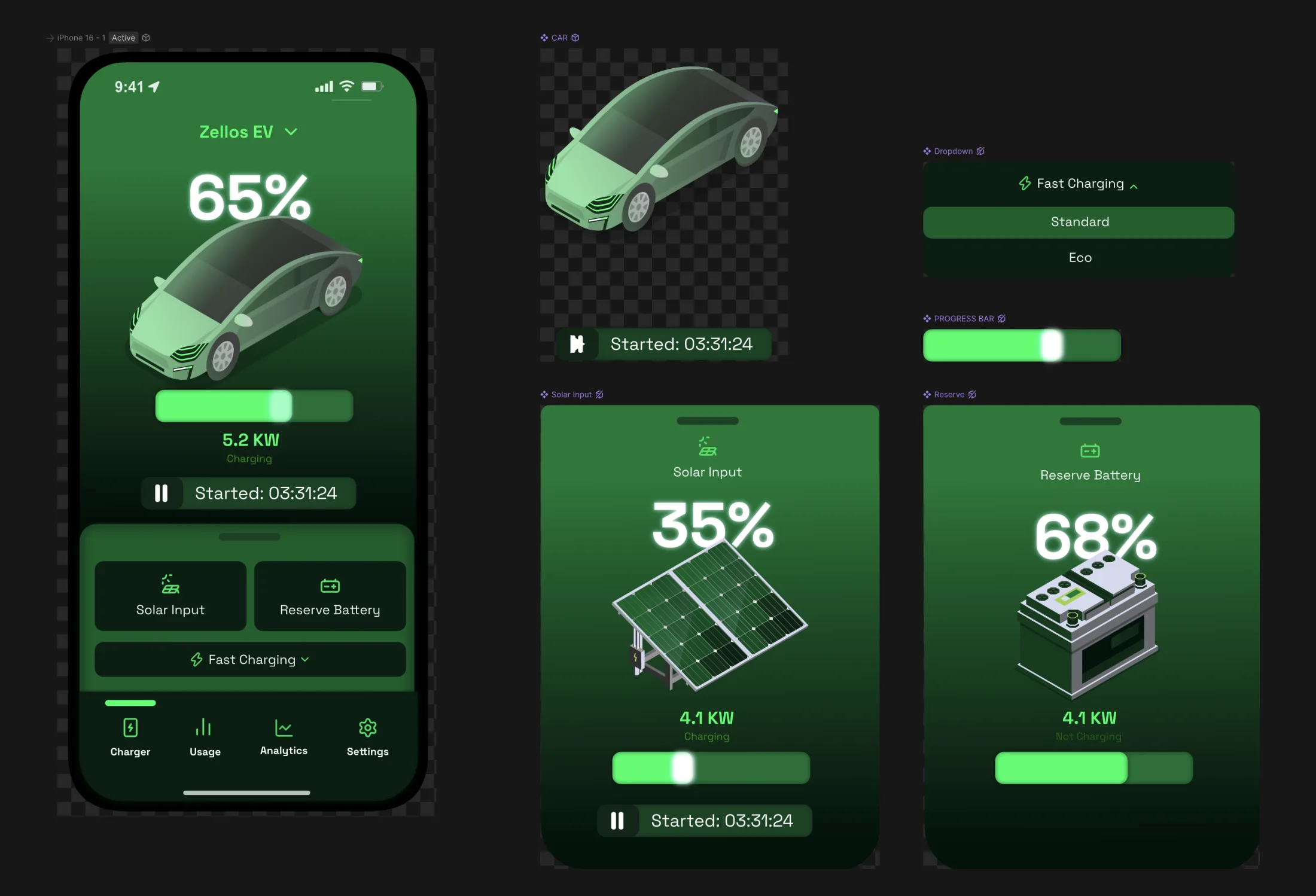
A fully interactive electric vehicle dashboard built entirely in Rive. Real-time data binding, sliding shelves, and multi-screen navigation, where every interaction responds to touch.
My role
Tools
Electric vehicle interfaces need to feel alive, and that means responsive and tactile. This dashboard was built to capture that feeling using Rive alone. No game engine, no video, no sprite sheets. A real prototype where the shelves slide, the numbers update, and every tap triggers a designed response.
The charging value is connected to real data through Rive data binding. It is not hardcoded or faked. The number updates as you scrub it, and charging pauses and resumes with a tap, so the dashboard handles like a control surface rather than a screen.
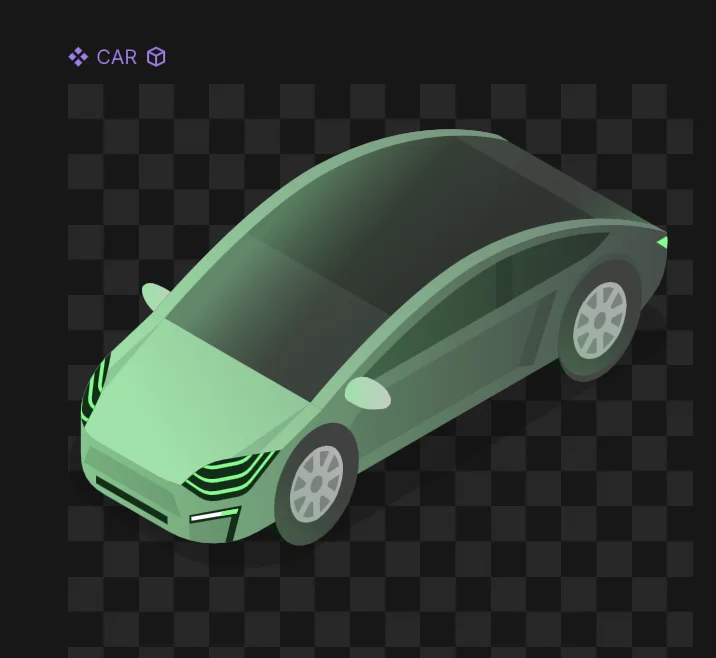
Every visual was illustrated by hand in an isometric style, then rigged with state machines, inputs, and data bindings. The vehicle, the shelves, the menu bar, and the charging display each live as a separate Rive component on one artboard, which keeps the file lightweight, cross-platform, and production-ready.
01 · Try It
A live prototype, not a loop
The actual Rive file, embedded here. Hover to interact, then tap the Solar Input and Reserve Battery shelves to slide them up. Switch charging modes, move through the bottom menu, and drag the charge level under the phone to drive the app in real time.
Hover to interact · drag the charge level below
02 · Components
One artboard, built from parts
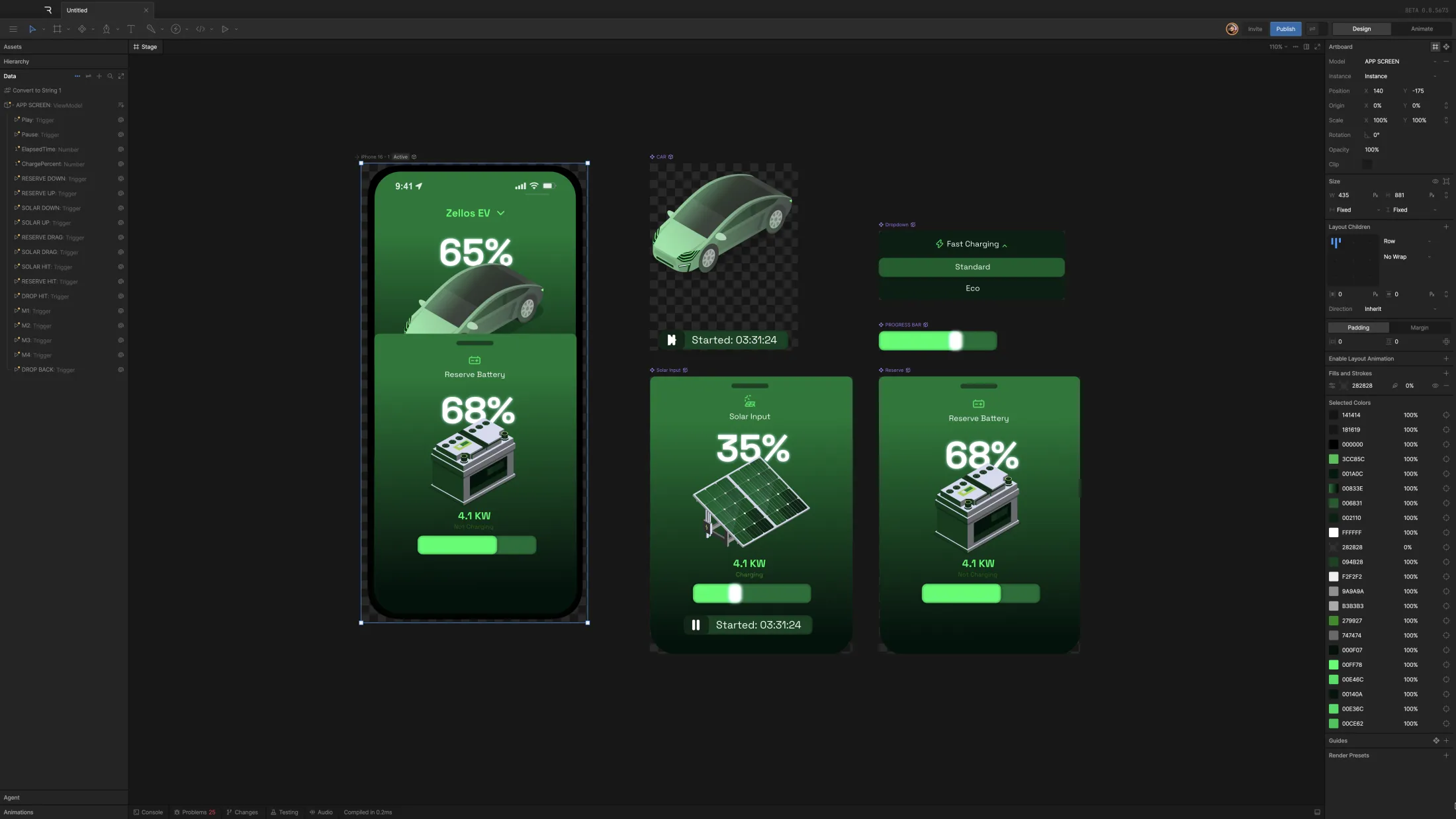
The vehicle, the shelves, the menu bar, and the charging display are each a separate Rive component, composed together on a single artboard. That modular setup keeps the file organized and reusable.
03 · The Interface
Shelves that slide, panels that react
Solar Input and Reserve Battery sit on either side of the vehicle. Each one slides up on tap and back down with a swipe, so the motion reads like a physical control surface. The shelves and the vehicle were illustrated by hand first, then rigged for interaction.
04 · Solar Charging
Charging with live feedback
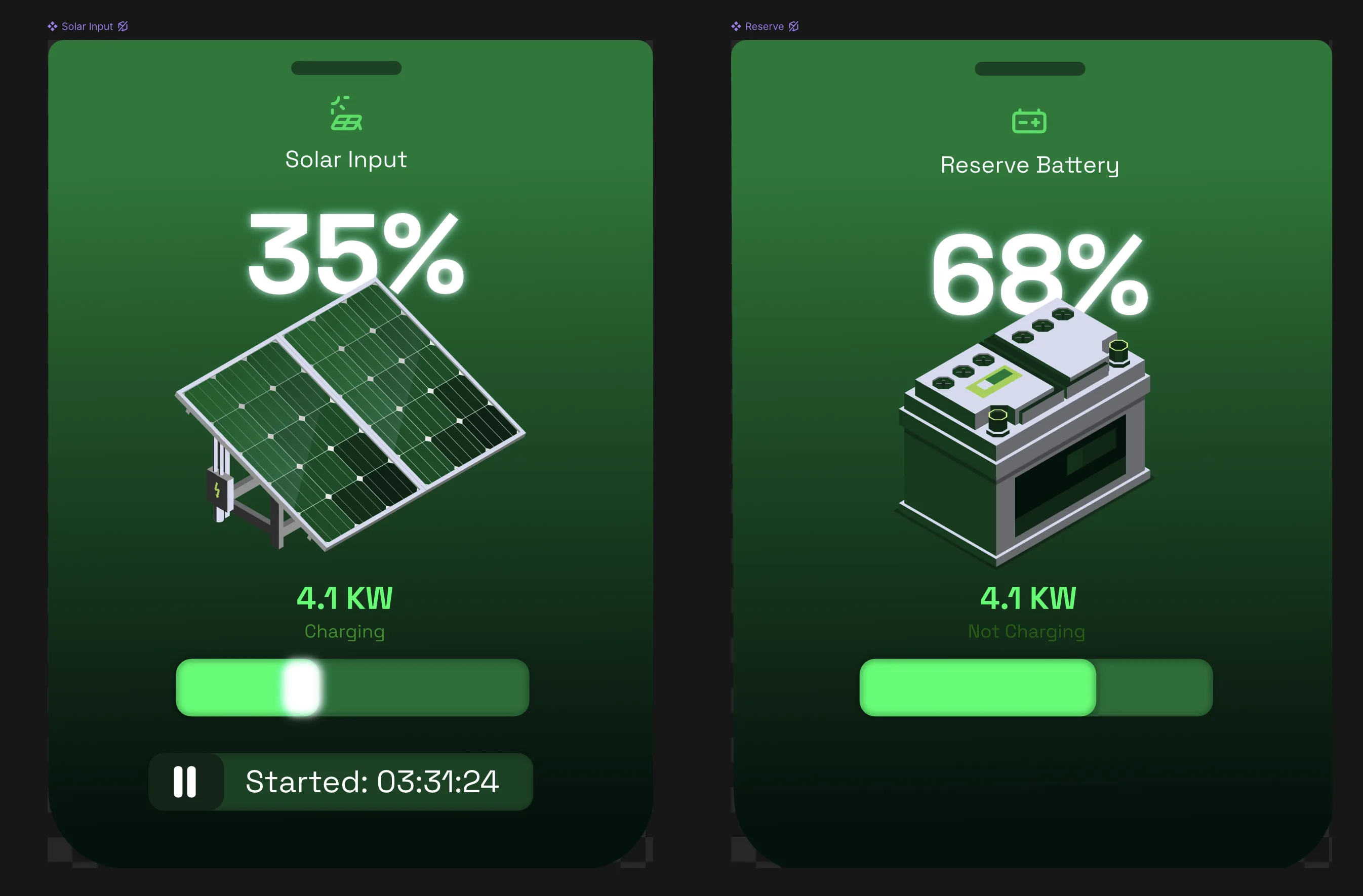
A closer look at the solar input shelf in action. The panels animate and the numbers update, so the system reads like it is actually drawing power. The charging value is bound to data you can scrub, and charging pauses and resumes on a tap.
05 · Navigation
Menu moves that feel native
Four buttons run along the bottom of the screen, with a sliding indicator that moves between them. The charging-mode selector expands and collapses on tap. Small details, but they are what make the interface feel considered.